
HTML tags are shown for weblinks and images
You are using the classic version of Microsoft Outlook, and notice that images or weblinks are displayed in the following manner:
{HYPERLINK "mailto:user@domain.com"}
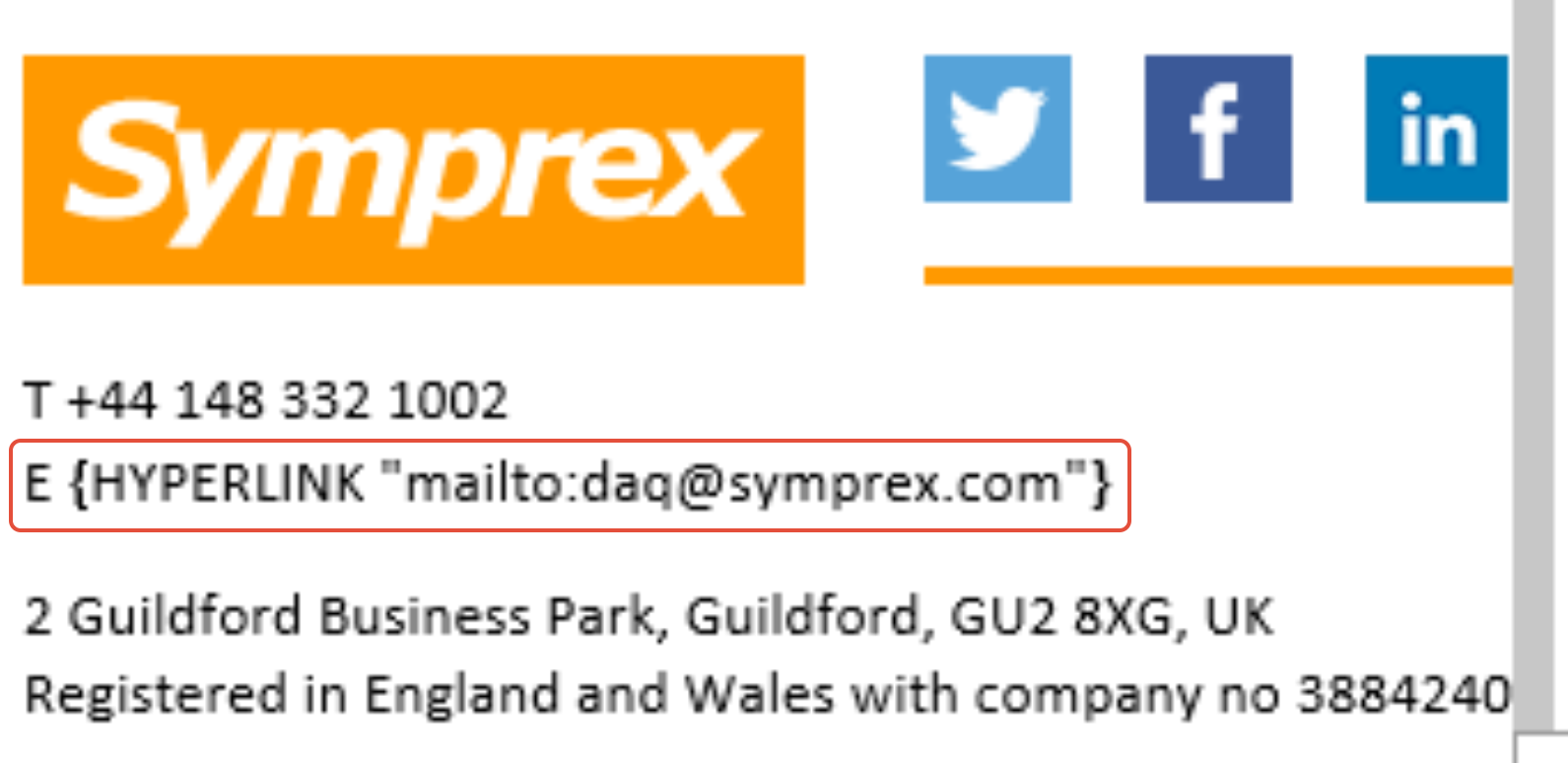
Pressing the Alt + F9 key combination in classic Outlook will enable the Document Properties feature. This is an inbuilt feature of Outlook and Word and is not controlled by Signature 365.
Pressing this key combination again will disable this feature.
How to enable remote logging in the Outlook add-in
Enable remote logging in the Signature 365 Outlook add-in so support can diagnose issues across supported Outlook clients.
Nested app authentication (NAA) and deprecation of Exchange legacy tokens
Learn how Exchange legacy token deprecation affects Signature 365 and choose between upgrading to NAA, granting permissions, or re-enabling tokens.