
Recreating the Signature 365 Exchange connectors
On rare occasions, it may be necessary to recreate the Exchange connectors due to issues with the Microsoft 365 services or changes to the Signature 365 configuration. This process should not be run unless directed by the Symprex Technical Support team.
You can reconfigure the Signature 365 Exchange connectors and mailflow rule to complete this task. In many cases, this will resolve the issue as the existing mailflow rule and inbound and outbound Signature 365 Exchange connectors are automatically removed and recreated as part of this process.
Login to your Signature 365 web portal, and then navigate to the following URL:
If you previously selected specific security groups for server-side injection the configuration will be retained. If you have manually updated your existing Exchange mailflow rule to select specific groups after initial setup, these can be added here.
Once configured, select the Automated setup or Manual setup button to complete the configuration.
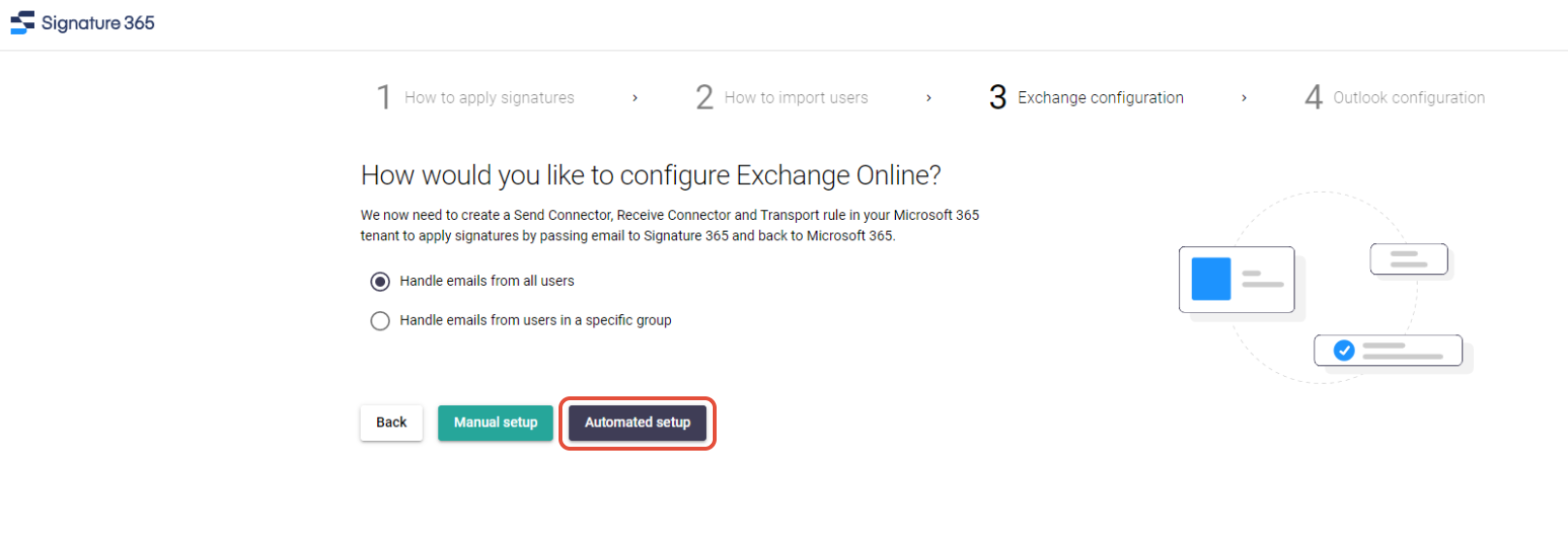
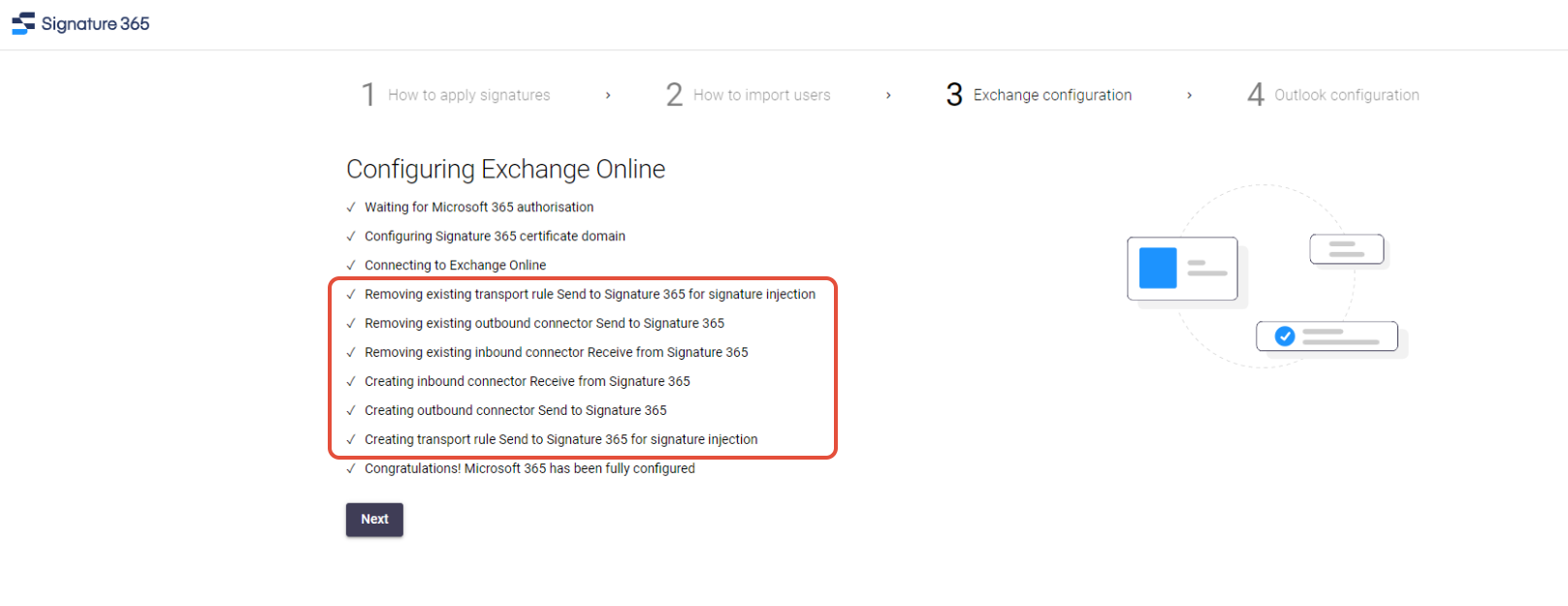
Selecting Automated setup will automatically configure the integration with your Microsoft 365 Tenant. The process will automatically remove the previous connectors and mail flow rule used by Signature 365, and recreate them using the options selected.
You will be asked to authorise Signature 365 to connect to your Microsoft 365 to grant permissions to configure the tenant. This must be completed as a Global Administrator.
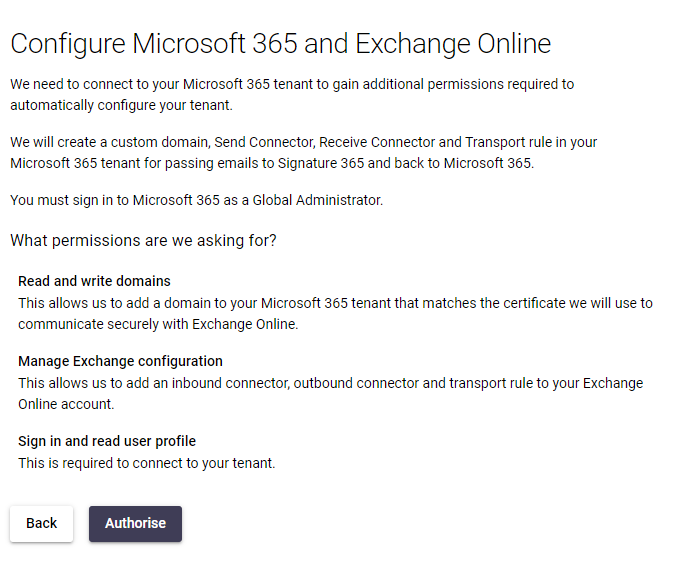
Follow the onscreen prompts to grant the required permissions and create the connector.
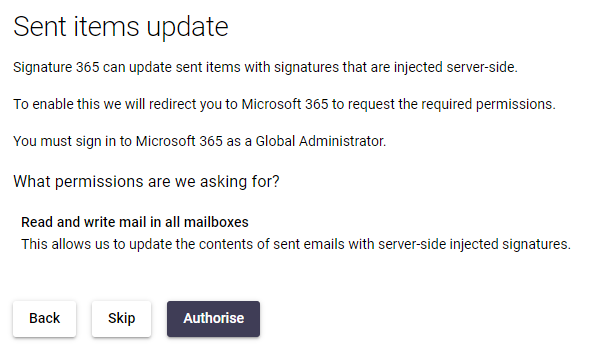
If you have selected the server-side injection component, you will be asked to click Authorise to allow the updating of sent items.
Finally, hit Complete setup to finish the process.
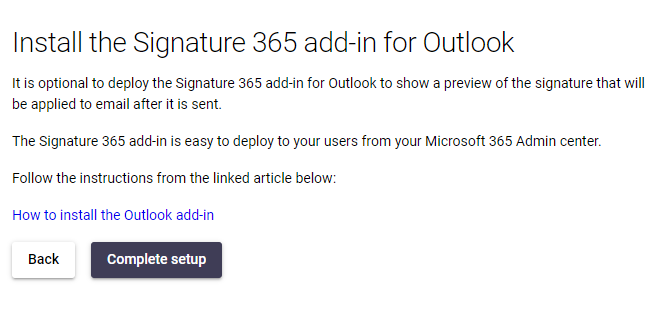
System Administrators may wish to preform a manual configuration to create the connectors and mailflow rules in order to inspect the PowerShell commands that are run as part of this process.
In rare cases you may be asked by the technical support team at Symprex to perform this setup to assist with troubleshooting.
Select the Manual setup button to use this option. This will generate a PowerShell script that you can either download or copy to clipboard, and run using Microsoft's Exchange Online Powershell tool.
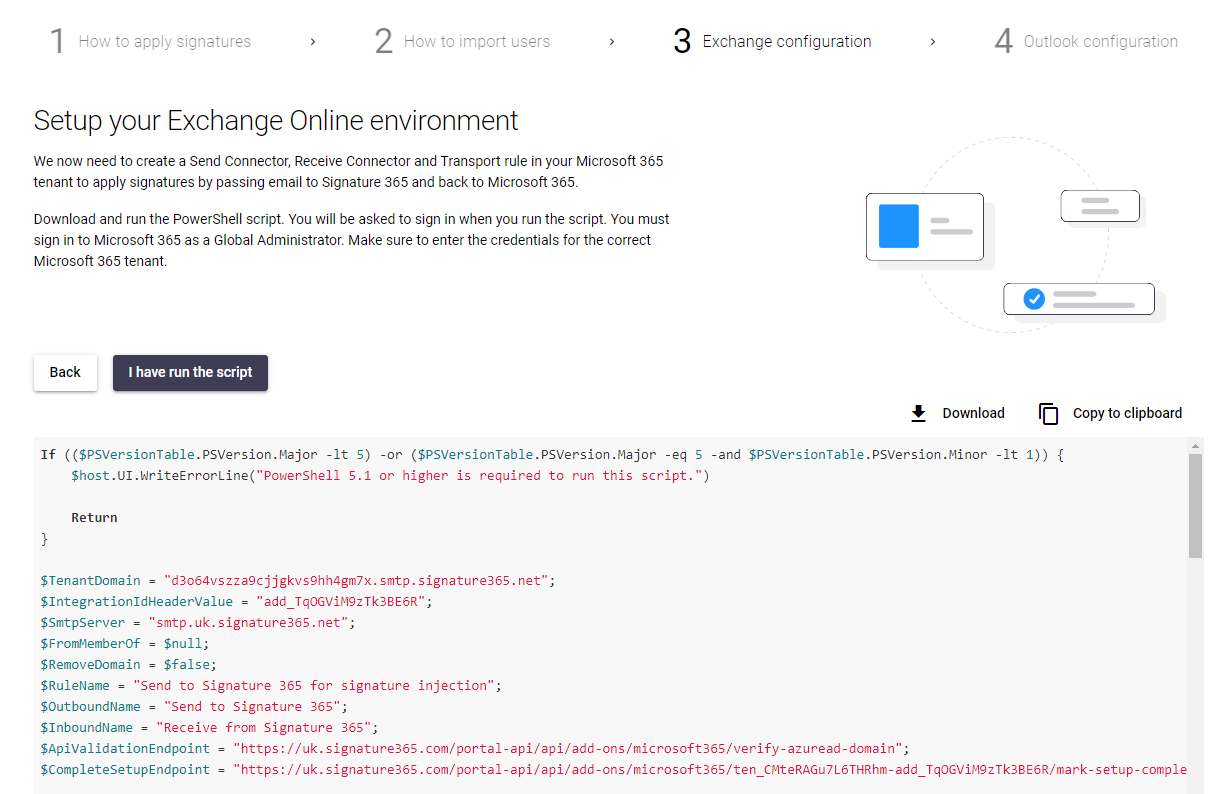
The script contains all required modules to function, and will automatically install required packages to run the commands. The script can be checked before use, but Symprex recommend against making any alterations as this may cause issues with the configuration process.
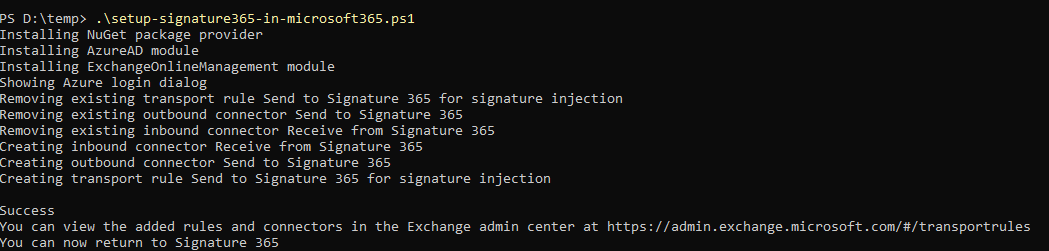
Once you have run the script, click the I have run the script button and continue with setup. Our servers will check that the configuration is correctly in place for your Microsoft 365 Tenant.
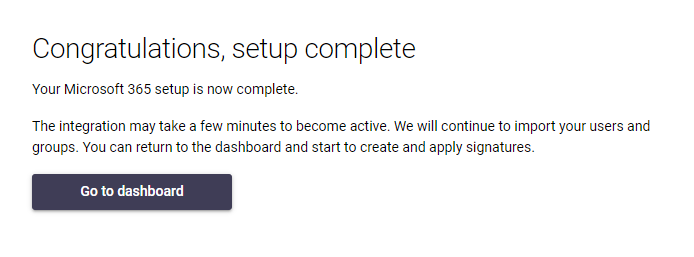
This completes the integration setup process, hit Go to dashboard to return to the portal.
Inserting a signature in a specific location with Server-side injection
Insert a server-side signature at a specific marker or location within an email body.
Using Server-side injection to specify the location of an inserted signature
Use server-side markers to place inserted signatures correctly in email from external systems such as Salesforce.