
Adding additional teammates to manage Signature 365
To add additional teammates to manage Signature 365, use the Settings -> Teammates menu option in the management console. You can use this page to see all existing Teammates, the roles they are assigned, and whether each user has completed the sign-up process and is active.
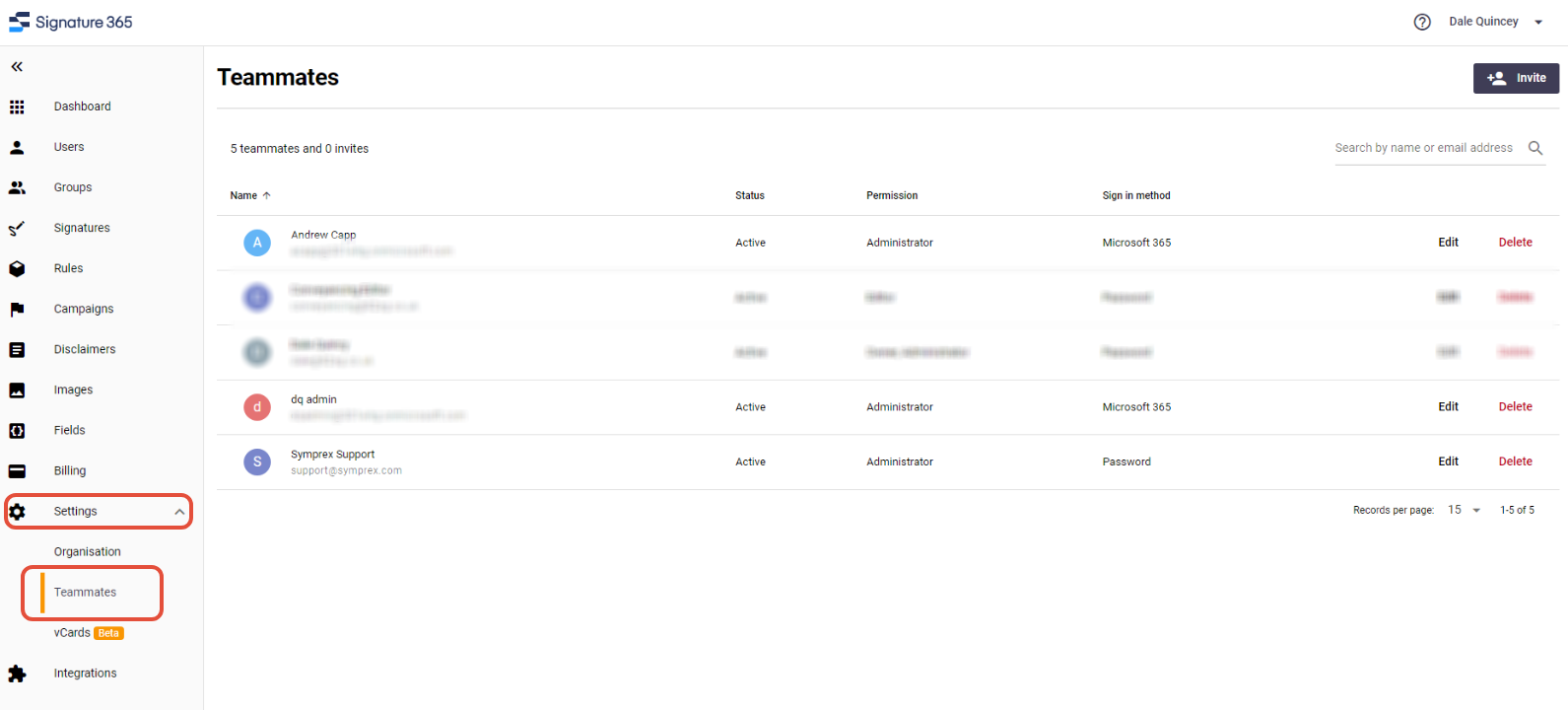
It is possible to assign different permissions to Teammates that you invite. The options are currently as follows:
Owner - This is the Teammate that owns the Signature 365 tenant. This user cannot be removed until the Owner permission is transferred to another Teammate.
Administrator - Teammates with this permission have access to all features of Signature 365.
Editors - Teammates with this permission have the ability to edit Signature Templates, Campaigns and Disclaimers, and can modify rules to apply the templates to users.