
Outlook add-in reports "The request has failed...."
Fix the Signature 365 Outlook add-in when signatures fail to load because Exchange web services is disabled.
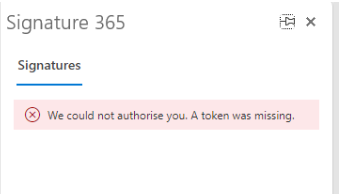
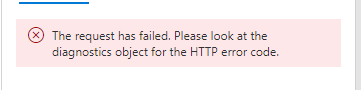
If the Signature 365 add-in shows a blank pane and then displays a request failed or timeout error, Exchange Web Services (EWS) may be disabled for the affected mailbox.
Before you make changes, confirm the user has been deployed the add-in by following How to install the Outlook add-in.
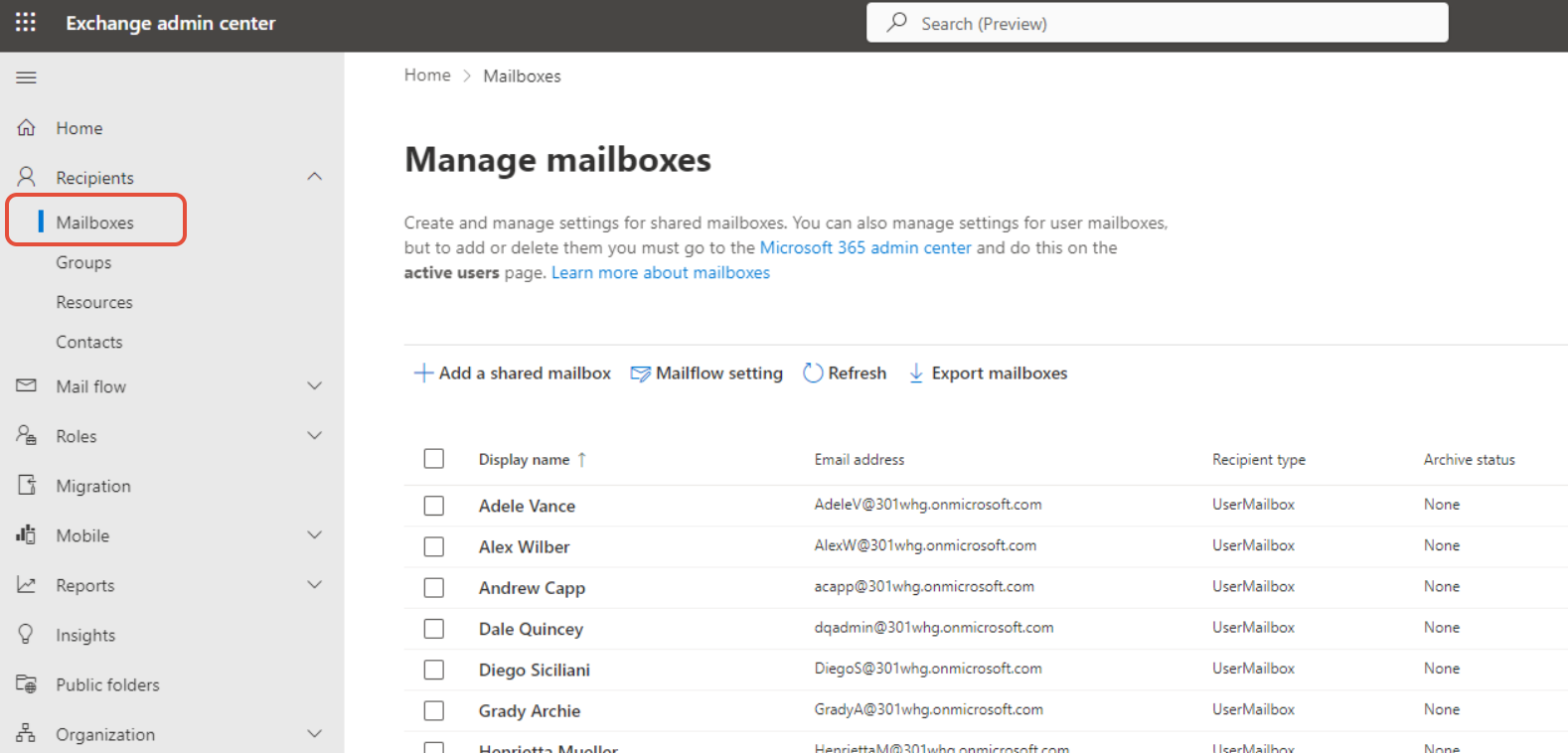
- Open the Exchange admin center and select Mailboxes.
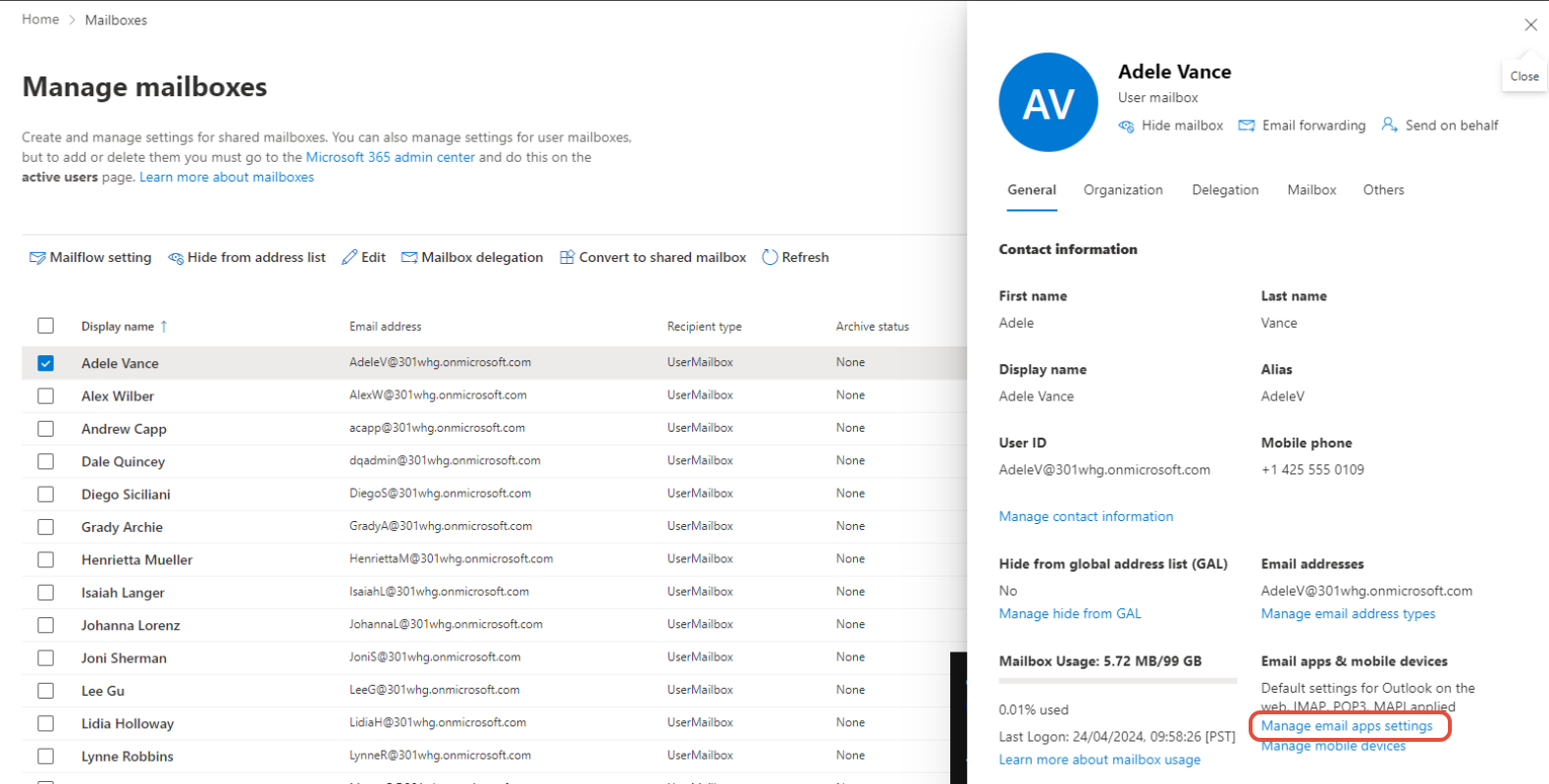
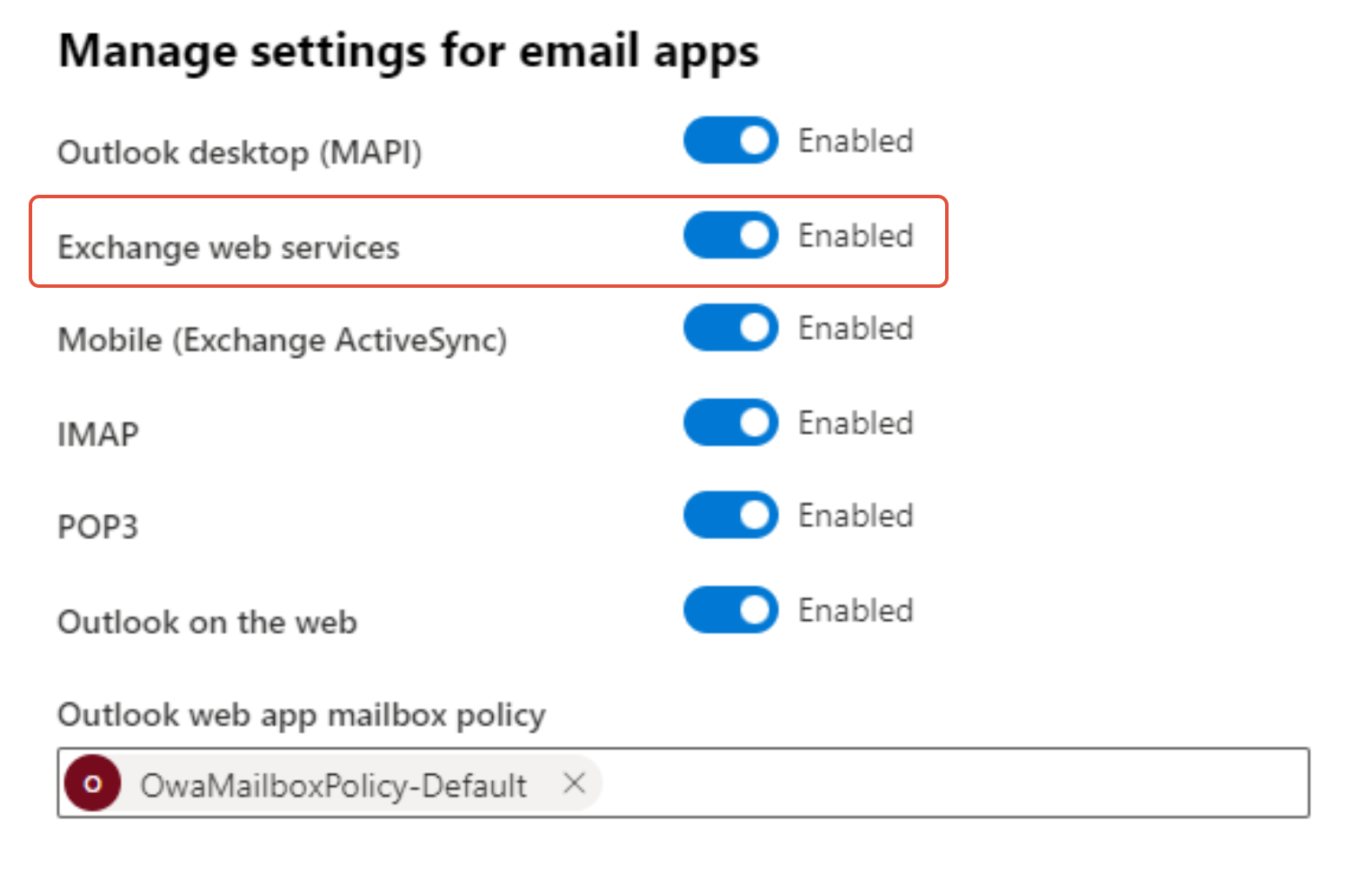
- Select the affected user and click Manage email apps settings in the flyout.
- Make sure Exchange web services is selected. The add-in requires this setting.
Next steps
- If the add-in is not yet deployed, complete How to install the Outlook add-in.
- If EWS is already enabled and the error continues, review Signature 365 ports and URLs to make sure the required endpoints are reachable.